

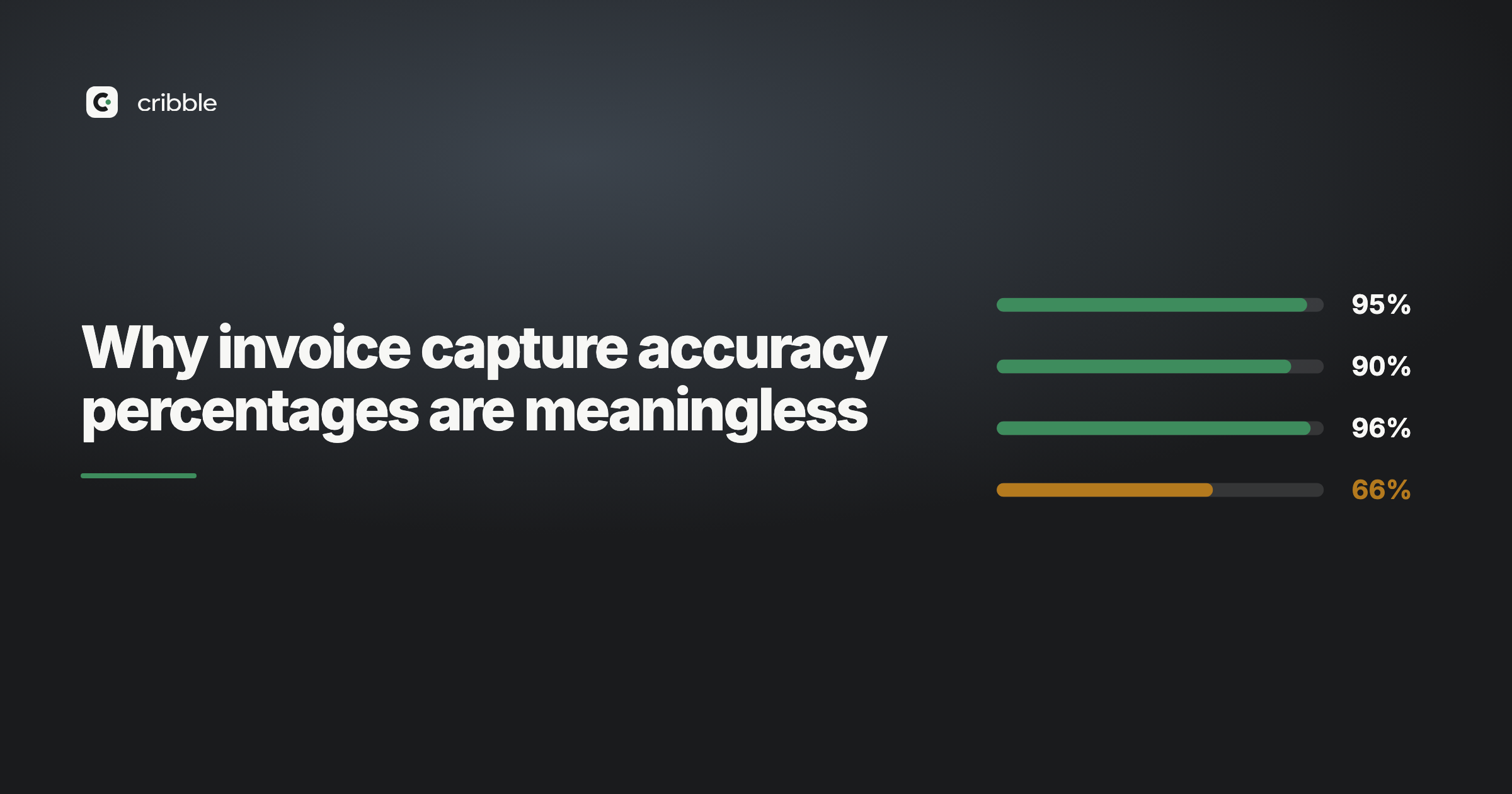
Every document capture tool quotes a number. 99% accurate. 99.5%. Sometimes 99.8%, which is a level of precision that should make you suspicious on its own.
The number is almost always true. It's also close to useless, and here's why.
What a blended figure actually measures
An accuracy percentage is a count of correct fields divided by total fields. Feed a thousand invoices through, extract twelve fields from each, get 11,880 of them right, and you have 99% accuracy.
That figure treats every field as equally important. It counts the invoice date the same as the bank account number. It counts a supplier name the same as a total. It also says nothing about whether the tool read the line items or only the header.
They are not equally important. If the date is a day out you notice at reconciliation and fix it in ten seconds. If the IBAN is wrong you have paid the wrong account, and you find out when the supplier chases an invoice you're certain you settled — which is also exactly how invoice redirection fraud works.
The 1% is not randomly distributed
Here's the part the headline number hides: errors cluster.
Fields that read badly read badly for structural reasons. Long alphanumeric strings with no dictionary to check against — IBANs, account references, VAT numbers — are the hardest values on the page. They're also the ones with no natural sense-check. A supplier name that comes back as "Buildng Supplies" is obviously wrong. An IBAN with one transposed digit looks exactly like an IBAN.
So the 1% that fails isn't a random scatter across the document. It concentrates in the few fields where a mistake costs you the most.
A single blended score is the one number that guarantees you can't see that.
What you actually need to know
Not "how accurate is this tool". The useful question is narrower:
Which values on this specific document should I check before I act on them?
That's answerable. Extraction models produce a confidence score per field as a matter of course — it falls out of how they work. Most tools compute those scores, average them into a single figure, and show you the average.
The averaging is the part that loses the information. The per-field scores were there and got thrown away.
What per-field confidence looks like
An invoice comes back like this:
| Field | Value | Confidence |
|---|---|---|
| Invoice number | INV-20418 | 99% |
| Date | 14 Mar 2026 | 98% |
| Total | £1,248.00 | 99% |
| IBAN | GB41 BARC 2039 5374 4261 | 71% |
Averaged, that document scores 92%. Which sounds fine, and tells you nothing.
Broken out, it tells you exactly what to do: check the IBAN, ignore the rest. One field instead of twelve. Thirty seconds instead of re-reading the whole page — and, more to the point, you now know why you're checking it. That is what a review screen is for.
Why nobody does this
Two reasons, and neither is technical.
The first is that a single high number is easier to sell. "99% accurate" fits on a pricing page. "We'll tell you which fields we're unsure about" requires the buyer to think about the problem for a moment.
The second is that admitting uncertainty looks like weakness next to a competitor claiming 99.8%. It isn't — the competitor has the same uncertainty and is hiding it — but it looks that way in a side-by-side comparison table.
How to evaluate a capture tool instead
If you're comparing tools, the accuracy figure is the least useful thing on the page. Some better questions:
Does it tell you which fields it was unsure about? If it gives you one score per document, you're being asked to trust an average.
How does it handle the hard fields? Ask specifically about IBANs, VAT numbers and account references. General accuracy on totals and dates is close to solved. These aren't.
What happens to a bad scan? Every tool demos well on a clean PDF. Send a photograph taken at an angle in poor light, which is what half your receipts actually are.
Does it read line items or just the header? Header-only capture gets you a supplier and a total. If you need to code the lines to different accounts, the work hasn't moved.
Where does the data end up? A folder of PDFs is not data entry. A coded entry in your ledger is.
The honest version
No tool reads every document perfectly. Anyone telling you otherwise is quoting an average and hoping you don't ask about the distribution.
The useful difference isn't between a tool that's 99% accurate and one that's 99.5% accurate. It's between a tool that hands you a number and a tool that hands you a list of the specific values worth a second look.
Cribble scores every field on its own and flags the ones it isn't certain about. If you'd like to see it on your own documents, send us the worst three you've got — a photographed receipt, a bad scan, an invoice in a language you don't read. Nothing to install.