

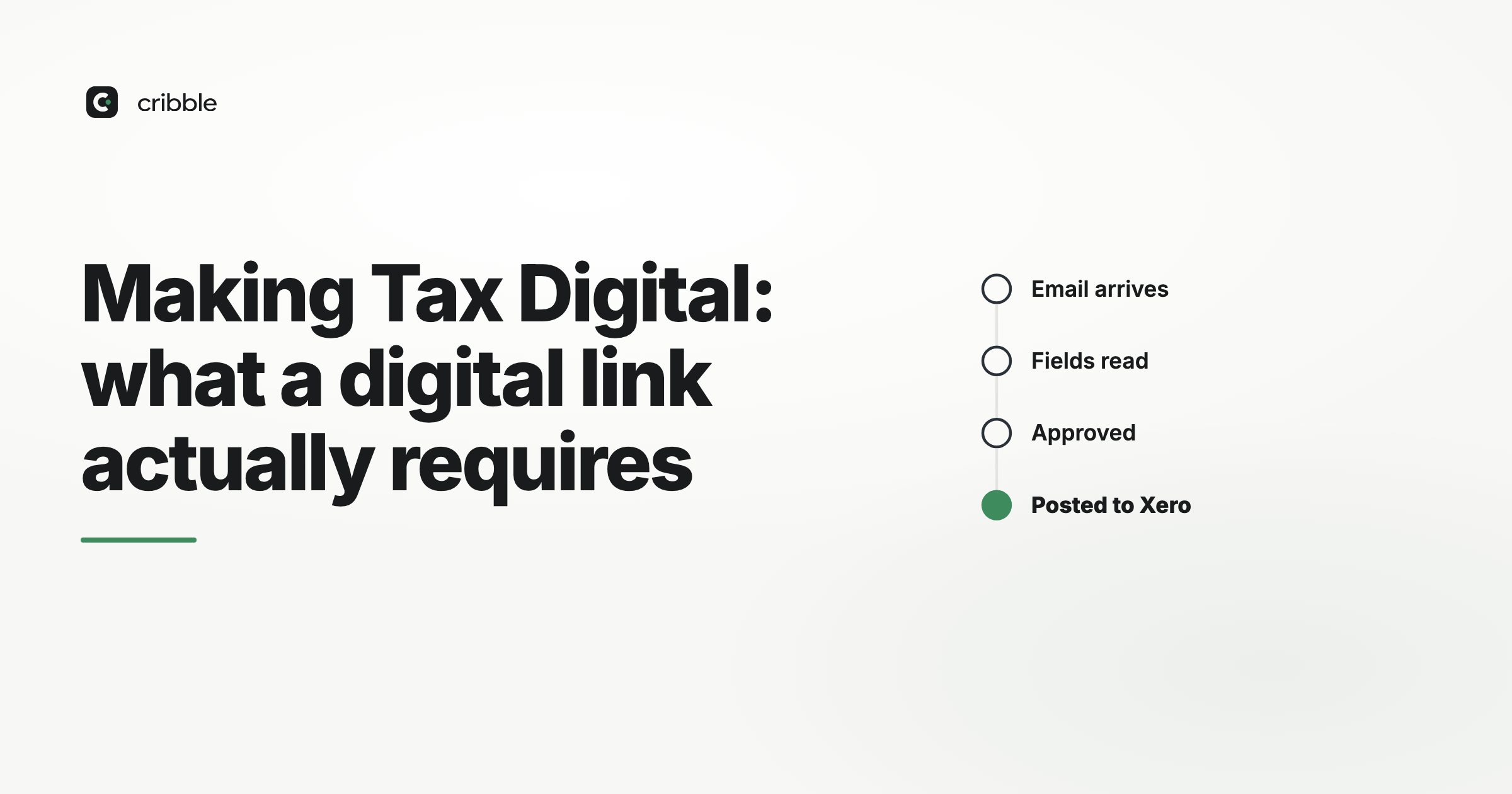
Most businesses think of Making Tax Digital as being about how the VAT return is submitted. Filing was the visible change, and software handled it.
The requirement that causes actual problems is quieter: once data is in your digital records, it has to move between systems by a digital link, and not by a person retyping it.
What a digital link is
HMRC's definition is a transfer or exchange of data between software programs, products or applications, made electronically and without manual intervention.
Accepted as digital links:
- Linked cells in spreadsheets, and formulas that pull from another sheet or workbook
- Emailing a spreadsheet containing digital records so the figures can be imported
- Putting a file on a portable device and handing it over
- XML, CSV import and export
- Automated data transfer between systems
- API transfer
Not accepted:
- Typing a figure from one system into another
- Copying and pasting between applications
- Reading a total off a printed report and entering it
- Manually re-keying a supplier's invoice total into your ledger from a PDF
The last one is worth sitting with, because it is what a great many purchase ledgers do all day.
The nuance about copy and paste
HMRC's guidance has been read both ways over the years, and the safest reading is the strict one: copy and paste is manual intervention, and it breaks the link.
The distinction that matters is whether a human is transcribing a value or a machine is transferring it. Formula-linked cells are a link. A person selecting a number and pasting it somewhere is not, because they can select the wrong cell and nothing will catch it.
Where the chain has to be unbroken
The requirement runs from the point a transaction enters your digital records through to the figures in the return.
Source document → digital records → any intermediate workings → return figures
Every hop in that chain must be a digital link. One manual re-key anywhere breaks it, even if everything either side is immaculate.
Common breaks:
A spreadsheet in the middle. Partial exemption calculations, mileage schedules, sector adjustments — often maintained separately, then the answer is typed into the accounting system.
Consolidating branches or entities. Figures read off one system and entered into another.
Bridging done wrong. Bridging software is legitimate — it links a spreadsheet to HMRC's API. It is not legitimate to type figures into the bridging spreadsheet from somewhere else.
Purchase invoice entry. Reading a supplier PDF and typing the values in is the largest manual step in most purchase ledgers.
The purchase invoice question, honestly
There is a distinction worth drawing, because it is easy to overstate the requirement.
A supplier's PDF invoice arriving by email is not yet part of your digital records. It is a source document. Getting it into your records — by typing, by OCR, by e-invoice import — is the point of entry, not a link between two digital systems.
So a business keying invoices by hand is not automatically in breach. Digital links govern what happens after data is in your digital records.
What is true is more practical than regulatory: manual entry is the step where figures get transposed, and MTD requires the digital record to be accurate. A process that depends on someone typing several hundred invoices a quarter is one where the records and the documents will diverge.
And where an invoice already arrives as structured data — an XML e-invoice — retyping it rather than importing it is choosing to introduce an error source that need not exist.
What to check
- Can you draw the path from source document to each box on the return?
- Does any step in that path involve a person reading and typing?
- Are spreadsheets in the chain linked by formula, or by paste?
- Does your bridging tool read the figures, or does someone enter them?
- If a branch or subsidiary feeds in, how do its figures arrive?
If you cannot draw the path, that is the finding. Most businesses discover one manual hop they had stopped noticing.
Records you must keep digitally
Separately from the links requirement, certain records must be kept in digital form — including, for each supply received, the time of supply, the value, and the amount of input tax you will claim.
Note what is not on that list: HMRC does not require the invoice image itself to be stored digitally. Paper originals may still be kept as paper, subject to the normal retention rules.
Check the current requirements and timetable with HMRC or your accountant rather than this page. MTD's scope has expanded in stages and the detail of the guidance has been revised more than once.
The practical reading
Digital links are a compliance requirement, and complying with them is not usually the hard part — most cloud accounting systems handle the chain from ledger to return without help.
The place effort actually pays is earlier: reducing how many figures a person types into the digital records in the first place. That improves accuracy, which is what the records requirement is really about, and it happens to remove the step everyone finds tedious.
Cribble reads supplier invoices and posts the extracted data to Xero as a coded bill, so the values in your ledger come from the document rather than from someone reading it. Where an invoice arrives as XML it is parsed as structured data rather than read as an image — though note that compressed hybrid PDFs fall back to extraction. QuickBooks, Sage50 and DATEV are supported by file export today.